Managing Items
The inventory is your treasure chest. All items are stored here from which you build your packing lists.
Packster comes with over 200 predefined items in 12 categories:
Clothing
From underwear to suits
Hygiene & Care
Toothbrush, deodorant, sunscreen & more
Tech & Electronics
Chargers, adapters, headphones
Documents & Money
Passport, credit card, insurance
Beach & Swimming
Swimsuit, snorkel, beach towel
Winter Sports
Ski goggles, gloves, thermal underwear
Travel Accessories
Suitcase, backpack, neck pillow
Food & Drinks
Snacks, water bottle, camping stove
Health
Medication, bandages, thermometer
Activities
Hiking boots, camera, travel guide
Household
Sewing kit, laundry bag, flashlight
Other
Everything that doesn't fit elsewhere
You won't find everything on your first trip. But that's the point: Packster grows with you. What you add once stays available forever.
Your Favorite Pillow Missing? Add It!
Packster can't know everything. Your allergy pillow, that special medication, the charger for the rare camera – some things are unique.
Creating custom items is easiest while packing:
- 1 Open a packing list or category
- 2 Type the name in the search field
- 3 If nothing matches, a pulsing tile appears
- 4 Tap it – done!
Good to know: Your new item is automatically saved in the current category. You can edit it later, move it to a different category or give it a matching icon.
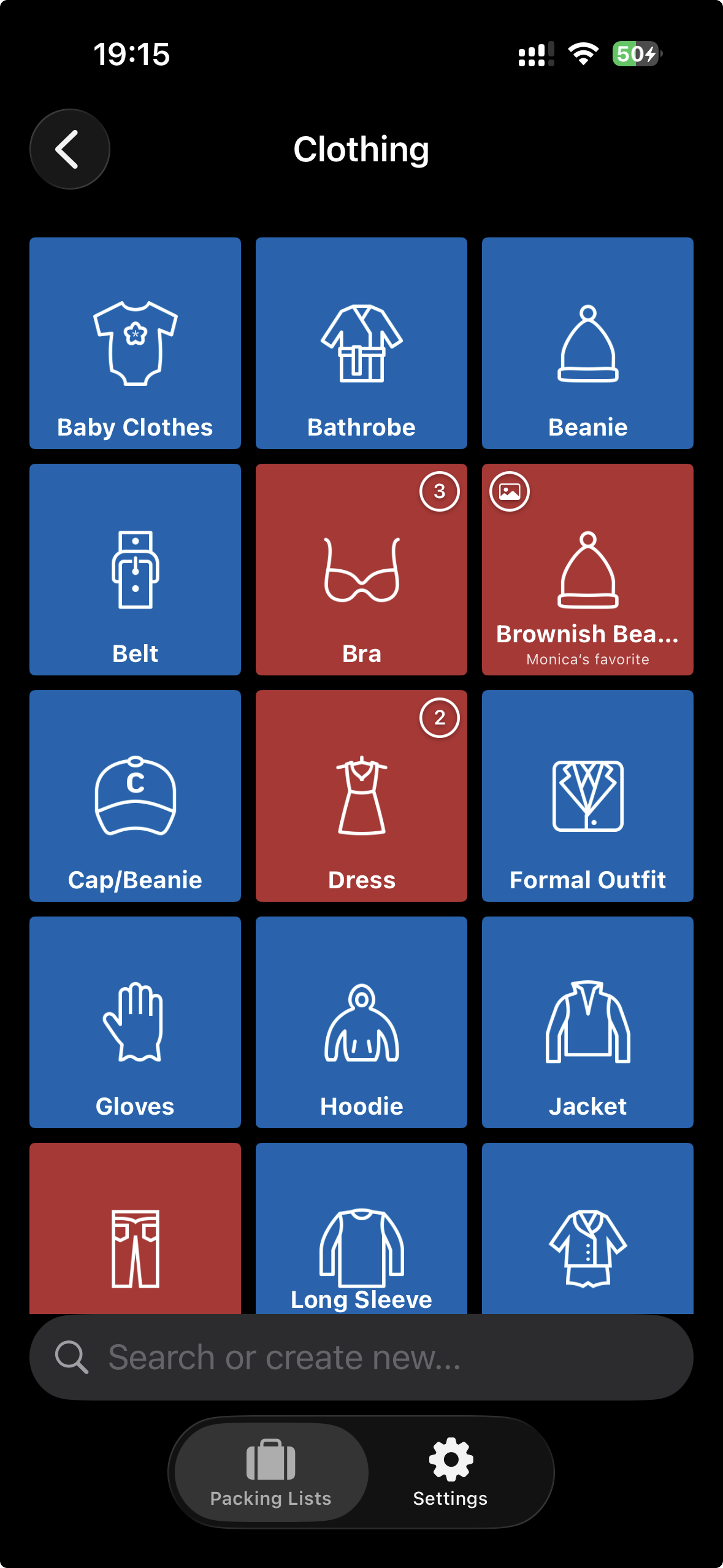
Fine-Tuning – How to Customize Items
Sometimes almost everything is right, but only almost. The storage location is wrong, you want to add a note, or you don't like the icon.
Long press on an item – whether in the inventory or in a packing list. A dialog opens with all options.
What You Can Customize:
Name
(only for custom items) – Typo? You can correct it here.
Note
"The red one, not the blue", "In the left drawer", "Only charges with the short cable" – short notes that make your life easier.
Category
Does the travel guide belong to "Documents" or "Activities"? Move it where you expect it.
Storage Location
Especially handy: Note where you keep the item at home. "Bathroom", "Basement", "Garage" – saves time when packing.
Photo
A picture is worth a thousand words. Photograph the item so you know exactly which one you mean.
Icon
Over 180 icons to choose from. Find the right one for your item.
In Packing List Context There's More:
! Mark as Important
For things that absolutely must not be forgotten. Important items get an exclamation mark badge.
Change Quantity
Need 5 T-shirts? Set the quantity here.
Delete Items
Only custom items can be deleted. You'll find the button at the bottom of the edit dialog. Predefined items stay – they never hurt anyone.