Packster is intentionally simple. No nested menus, no hidden features. Everything you need is at most two taps away.
The Three Areas
At the bottom you'll see three tabs – these are your main areas:
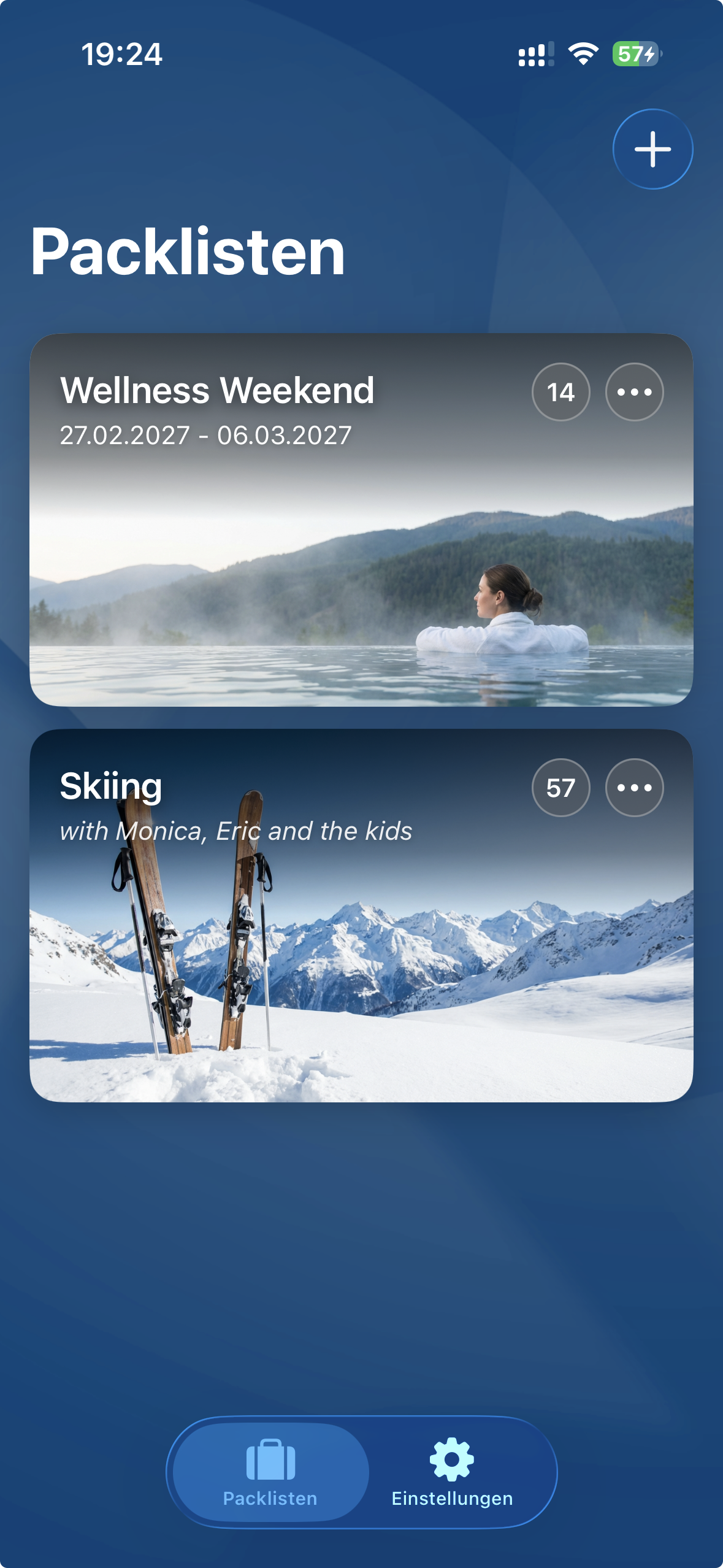
1 Packing Lists
Your starting point. Here you create new packing lists for your trips and see at a glance what still needs to be packed. Each list is displayed as a tile – with image, name, and a small badge showing how many items are still missing.
2 Inventory
Your personal warehouse. All 200+ items are sorted by category here. You'll find everything from "socks" to "sunscreen", from "passport" to "rain poncho". And if something's missing? No problem – you can add your own items anytime.
3 Settings
Exactly what you'd expect. Here you manage categories, storage locations, and your saved templates. You can also switch between light and dark mode.
Pro Tip
You'll spend most of your time in the Packing Lists tab. You only need the Inventory when you want to fundamentally edit items – not during normal packing.